





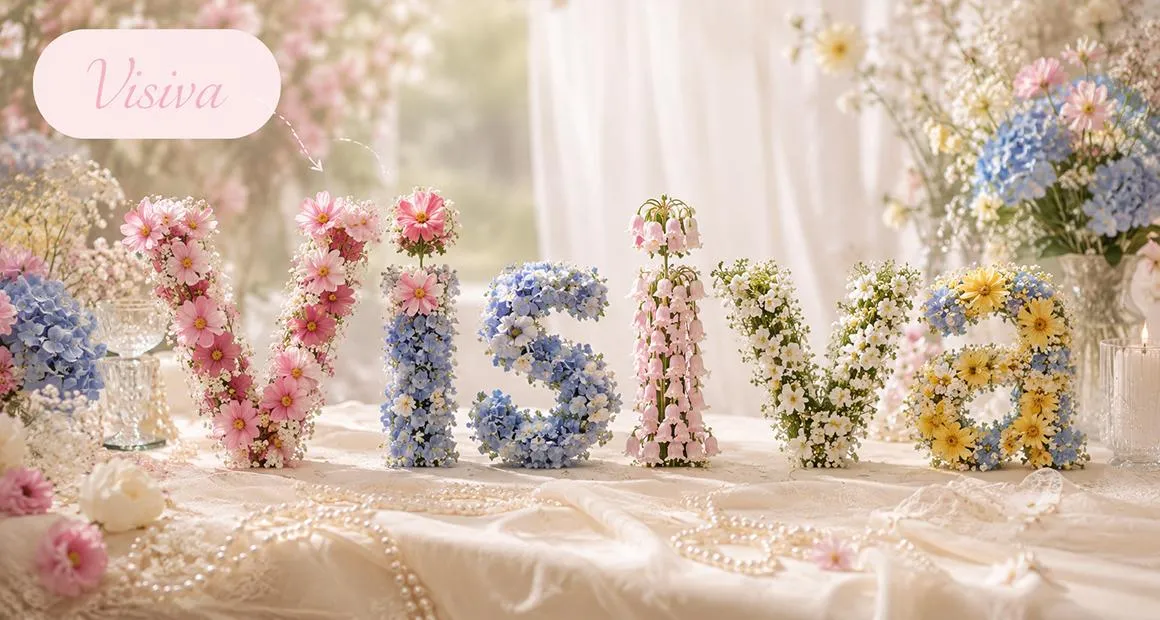
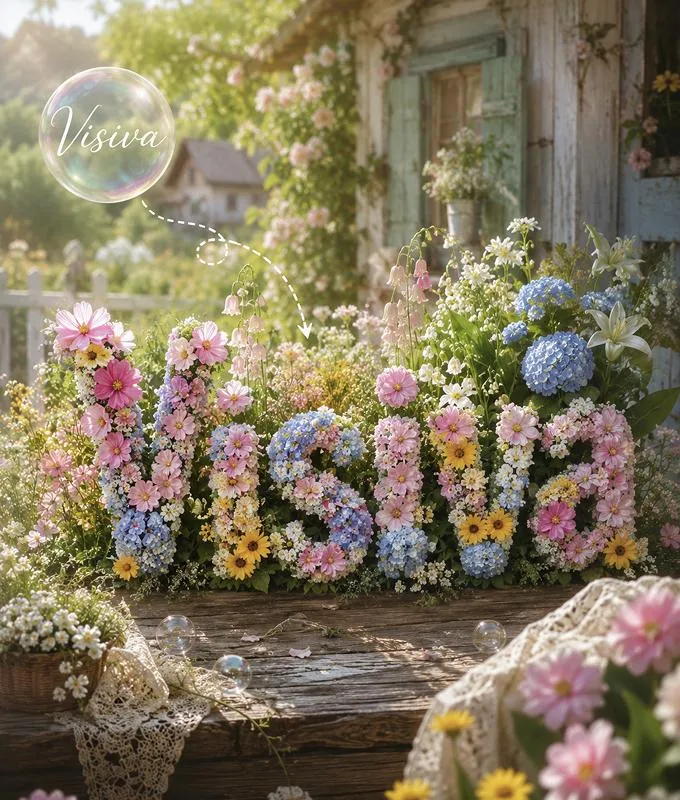
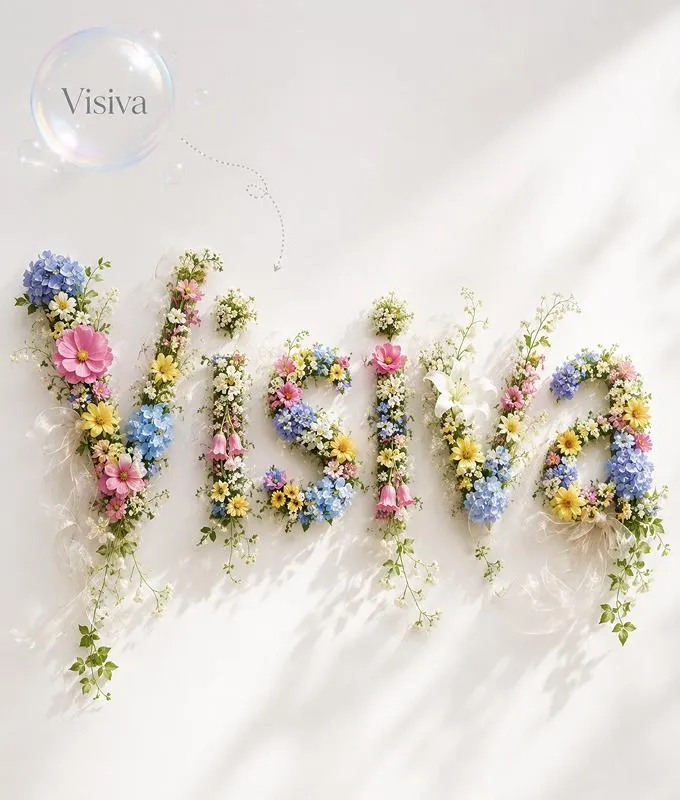
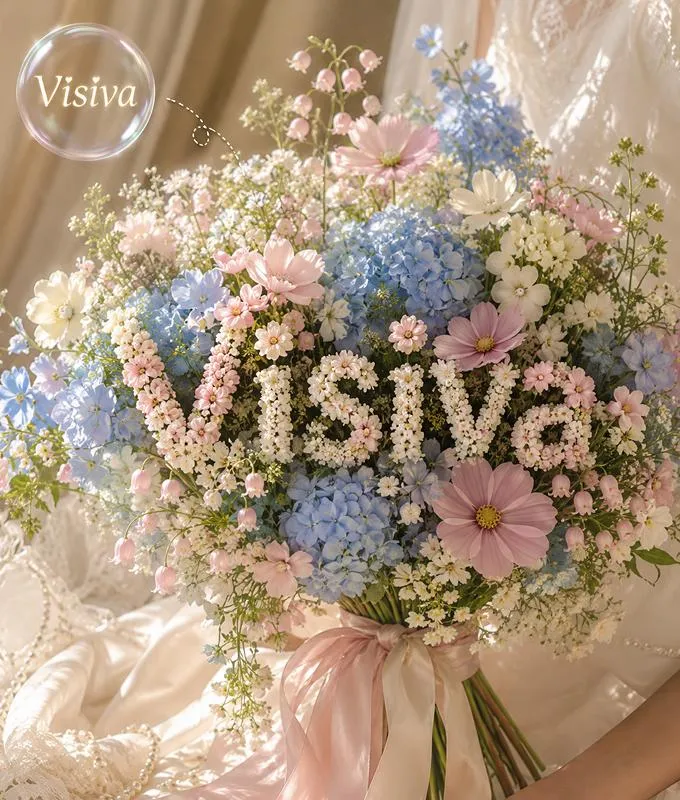
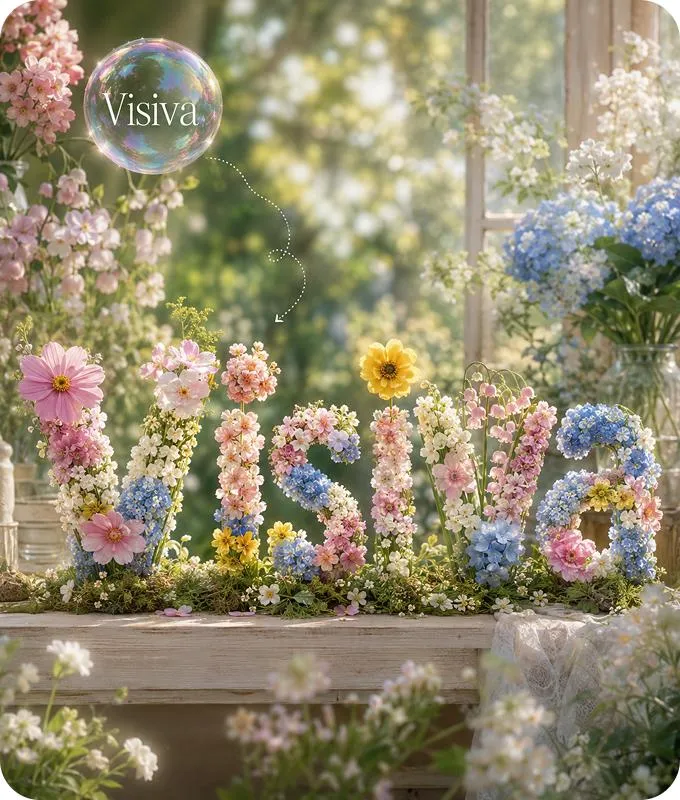
Name Into Flowers

Visiva logoKling logoVeo logoSora logoPixVerse logoVidu logo

Why Choose Visiva AI Name Into Flowers Generator

Want to turn a name into floral art instead of using a blurry TikTok screenshot? Visiva AI Name Into Flowers Generator lets you choose flowers, colors, mood, and layout, then creates readable floral name designs for wallpapers, gifts, cards, and social posts.

Name Into Flowers: Turn Any Name into Beautiful Floral Art

Type a name. Watch it bloom into a custom floral design-petals, vines, soft botanical details, every letter still readable. Save it as a phone wallpaper, print it as a gift card, or post it on social.

Name Into Flowers
  • Turn Any Name into Flower Letter Art

    Designing floral lettering by hand is slow work-picking flowers for each letter, arranging petals so the name still reads, balancing colors. Most people give up halfway. Our flower name generator handles it for you.

    Type a name, and the AI builds floral letter art around it-petals, leaves, vines, soft details-while keeping every letter easy to read.

    It works for:

    • Your own name or a nickname
    • Couple names for anniversaries or weddings
    • Baby names for nursery art or birth announcements
    • Pet names for fun keepsakes
    • Brand names or short words for small business branding
    • Short quotes or meaningful phrases

    Short names look best-letters have more room to bloom-but the tool adjusts spacing automatically so longer names still come out clean.

  • The TikTok Filter, Without the TikTok Headaches

    The flower name filter on TikTok is fun until you try to keep the image. You screenshot the video, crop the watermark, fight a blurry export, and the flowers were random anyway.

    This is that effect, rebuilt properly:

    • You choose the flowers-not the algorithm
    • High-resolution downloads, ready for phone or print
    • No region locks, no app updates, no cache to clear
    • No watermark on free designs
    • Vertical, square, or horizontal

    If you searched "flower name filter without TikTok," you found it.

  • Create Floral Wallpapers, Gifts, and Social Posts

    One design, many uses. The generator outputs high-resolution images in different aspect ratios, so the same name can become a phone wallpaper, an Instagram post, or a printable gift card-no need to start over.

    Common uses:

    • Wallpapers - vertical layouts for phone and tablet lock screens
    • Gifts - printable birthday and anniversary cards, framed wall art
    • Weddings - name cards, table numbers, save-the-dates
    • Social media - profile pictures, story covers, Pinterest pins
    • Keepsakes - baby announcements, pet memorial art, couple portraits

    If you've been searching "flower name filter without TikTok," this is basically that-with more style control and a download you actually own.

Multiple Floral Name Styles

  • Name Into Flowers
  • Name Into Flowers
  • Name Into Flowers
  • Name Into Flowers

Hear From the Creators Who Use Visiva AI Every Day

5.0

As a freelance illustrator, I often have finished character images but no time to animate them properly. Visiva has made that part much easier for me. I can upload a still artwork, choose a motion style, and get a short video that keeps the original feeling of the drawing. Some generations still need small adjustments, but the overall result is much better than I expected.
@miradraws

@miradraws

Freelance Illustrator

5.0

I mainly use Visiva for fan edits and character pairing videos. Before this, I had to spend hours cutting clips, adding camera shake, and trying to make one image feel dramatic. Now I can turn a single picture into a moving scene in a few minutes. It is not always perfect on the first try, but when the motion works, it really saves the whole edit.

@kairoclips

@kairoclips

Fan Edit Creator

4.0

As a social media designer, I need quick visual ideas almost every day. Visiva is useful when a static post feels too flat but I do not have enough material to make a full video. I can test different motions, export a few versions, and pick the one that feels most natural. The workflow is simple, especially when I do not want to write a long prompt.

@elliotframes

@elliotframes

Social Media Designer

5.0

I run a small online store, and making product videos used to take too much time. With Visiva, I can upload a clean product photo and turn it into a short motion ad for TikTok or Instagram. It is not the same as hiring a whole video team, but for daily content and quick campaign tests, it is honestly very practical.

@noahmakesads

@noahmakesads

Small Business Owner

5.0

I have tried a few AI video tools before, but many of them changed the face or made the character look strange. Visiva feels more stable for the kind of anime-style images I usually work with. I like that I can start from templates and then adjust the motion later. It makes the whole process less technical and more fun.

@luna_afterhours

@luna_afterhours

Anime Edit Hobbyist

5.0

As a content creator, I do not always have the energy to film or edit something from zero. Visiva helps me turn one idea or one image into a video that is good enough to post. I still regenerate when I want a cleaner result, but the speed is the main reason I keep using it. It makes daily posting feel less heavy.

@maddie.mov

@maddie.mov

TikTok Content Creator

How to Use the Name Into Flowers Generator

  1. Step 1 - Enter a name or word

    Your own name, a partner's, a child's, a pet's, a short phrase, a meaningful word-anything works. Shorter is usually better.

  2. Step 2 - Choose a flower language and style

    Pick a preset, or write your own prompt with specific flowers, colors, and mood. Then choose the visual style (watercolor, vintage, minimal, bright) and the aspect ratio (vertical for wallpapers, square for posts, horizontal for banners).

  3. Step 3 - Generate and download

    Hit generate. In a few seconds, your floral name art is ready in high resolution-save it, print it, share it.

FAQs

AI Name Into Flowers Generator

No. TikTok's version is a video effect; ours is an AI image generator. You control the flowers, colors, style, and aspect ratio, and you download a high-resolution image instead of screenshotting a video.

Turn Any Name into Floral Art Today

Our Name Into Flowers Generator helps you transform names, nicknames, couple names, pet names, or meaningful words into beautiful floral lettering. Choose your flowers, colors, mood, and aspect ratio, then create a design for phone wallpapers, gift cards, wedding details, baby announcements, social posts, or keepsakes. Type a name and watch it bloom into custom flower art.