DIY Family Films: 25 Easy Movie Ideas to Make at Home
DIY family films turn ordinary phone clips into something your family can actually rewatch: a tiny movie, a fake commercial, a mystery, a family news show, a stop-motion story, or a memory capsule.
You do not need a fancy camera or a perfect script. You need a simple story, a few willing actors, and a low-pressure plan. The best family films are short, playful, and flexible enough that kids can make creative decisions instead of just being told where to stand.
This guide gives you easy ideas, a simple filming process, and a few privacy reminders before you post anything online.
Table Of Contents
Quick Answer: What Are DIY Family Films?
DIY family films are homemade videos created by family members, usually with a phone, simple story ideas, and beginner-friendly editing. They can be fictional mini movies, family documentaries, holiday recaps, stop-motion projects, or silly weekend challenges.
Good DIY family film ideas include:
- 1. Family news show
- 2. Mini mystery
- 3. Toy adventure
- 4. Cooking show
- 5. Fake commercial
- 6. Time capsule film
- 7. Backyard adventure
- 8. Pet documentary
- 9. Old photo recreation
- 10. Family movie trailer
How to Make a DIY Family Film
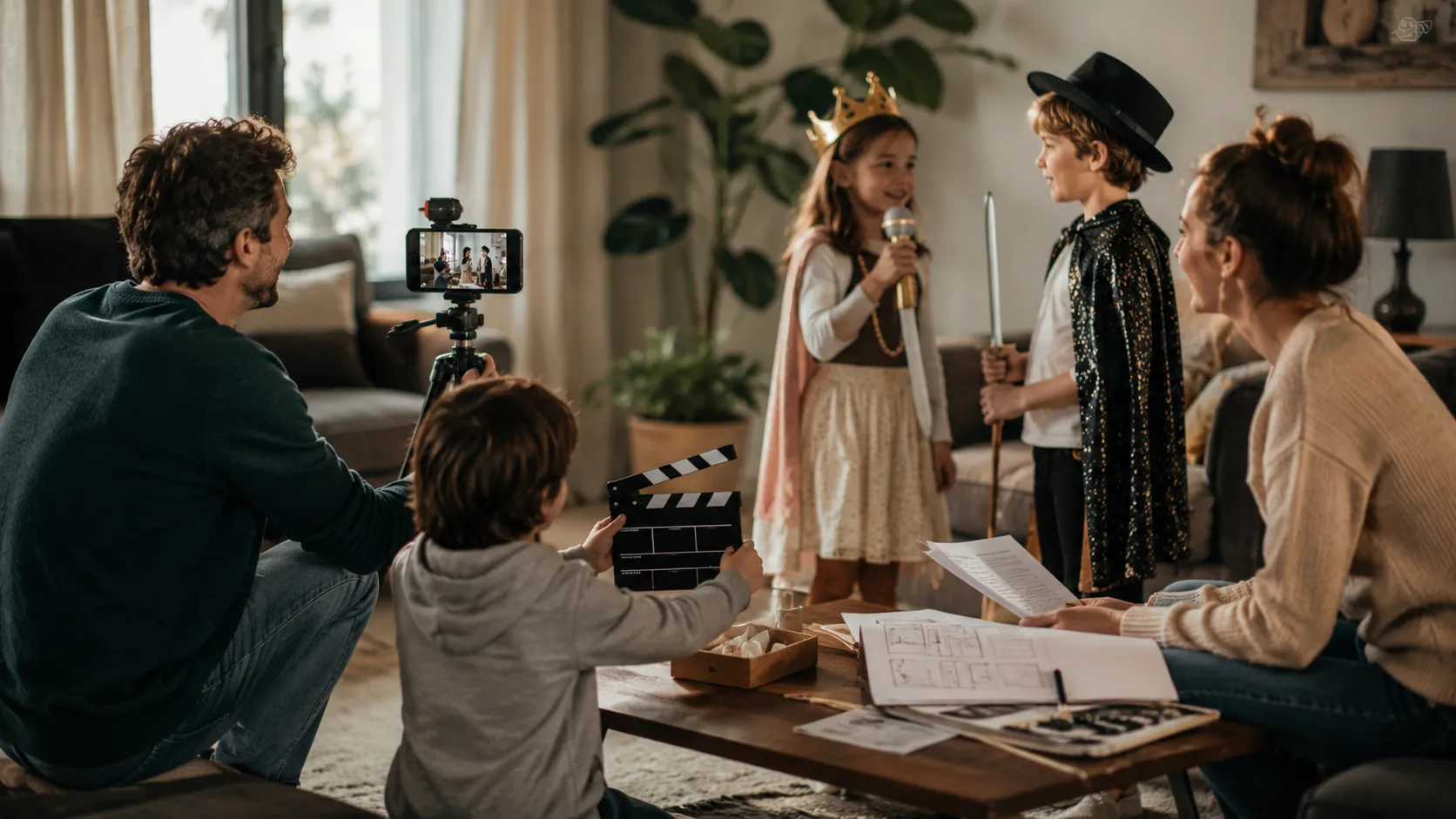
Use this simple process:
- 1. Pick one idea.
- 2. Choose one location.
- 3. Decide who is acting, filming, and directing.
- 4. Write a three-sentence story.
- 5. Film short clips.
- 6. Add music, captions, or voiceover.
- 7. Watch it together.
Keep the first project under three minutes. Finishing matters more than making it perfect.
A Simple Story Formula
Use:
Someone wants something, something gets in the way, and something changes.
Examples:
- A detective wants to find the missing cookie, but every family member has an excuse.
- A toy wants to return to the bedroom, but the hallway has "dangerous" obstacles.
- A child wants to interview the family pet, but the pet refuses to cooperate.
This keeps the film from becoming random clips.
DIY Family Film Ideas
1. Family News Show
Let kids report on family events, weather, sports, snacks, pets, and breaking household news.
2. Mini Mystery
Someone stole the last cookie. Interview suspects and reveal the truth.
3. A Day in the Life
Follow one family member for a funny documentary.
4. Toy Adventure
Film toys going on a quest around the house.
5. Cooking Show
Make a recipe and let kids host the episode.
6. Family Commercial
Create a fake ad for a normal object, like a spoon, pillow, or backpack.
7. Time Capsule Film
Interview everyone about their favorite things right now.
8. Backyard Adventure
Turn the yard into a jungle, planet, kingdom, or treasure map.
9. Family Talent Show
Film short performances and add title cards.
10. Silent Movie
Tell a story without dialogue. Add music and captions.
11. Before-and-After Room Cleanup
Make cleaning look like a dramatic transformation.
12. Pet Documentary
Follow the family pet like a nature documentary.
13. Superhero Origin Story
Create a hero with a very specific power, like finding lost socks.
14. Family Interview Series
Ask grandparents, parents, siblings, or cousins the same five questions.
15. One-Minute Short Film
Use one object, one problem, and one ending.
16. Holiday Memory Film
Capture traditions, decorations, cooking, and family messages.
17. Family Music Video
Use a favorite song and film safe, silly performance clips.
18. Stop-Motion Story
Use toys, drawings, blocks, or snacks.
19. "Kids Direct the Parents"
Let kids direct adults in a short scene.
20. Family Challenge Video
Build, bake, draw, or solve something together.
21. Old Photo Recreation
Recreate family photos and compare the results.
22. Fake Movie Trailer
Turn a normal family activity into an epic trailer.
23. "What Is in the Box?"
Make a mystery guessing game.
24. Family Recipe Story
Film a recipe and the memory behind it.
25. Year-in-Review Film
Combine short clips into a family recap.
Phone Filming Tips
- Film horizontally for TV viewing.
- Film vertically for Reels, Shorts, or TikTok.
- Record close to the person speaking.
- Use window light.
- Film more short clips than one long clip.
- Get a mix of wide, medium, and close-up shots.
- Let kids review takes and suggest ideas.
- Save original clips before editing.
Weekend Family Film Plan
Use this low-stress schedule:
| Time | Task |
|---|---|
| Friday night | Pick the idea and choose roles |
| Saturday morning | Film the main scenes |
| Saturday afternoon | Record voiceover, music, or extra shots |
| Sunday morning | Edit a short version |
| Sunday evening | Watch it together |
Keep the project playful. If kids lose interest, shorten the film instead of forcing a perfect version.
Privacy and Safety Notes
Before posting publicly, think about:
- Children's faces and names.
- School uniforms or locations.
- Home address details.
- Daily routines.
- License plates.
- Personal documents in the background.
DIY family films can be private keepsakes. They do not have to become public content.
Use Visiva to plan family-film scenes
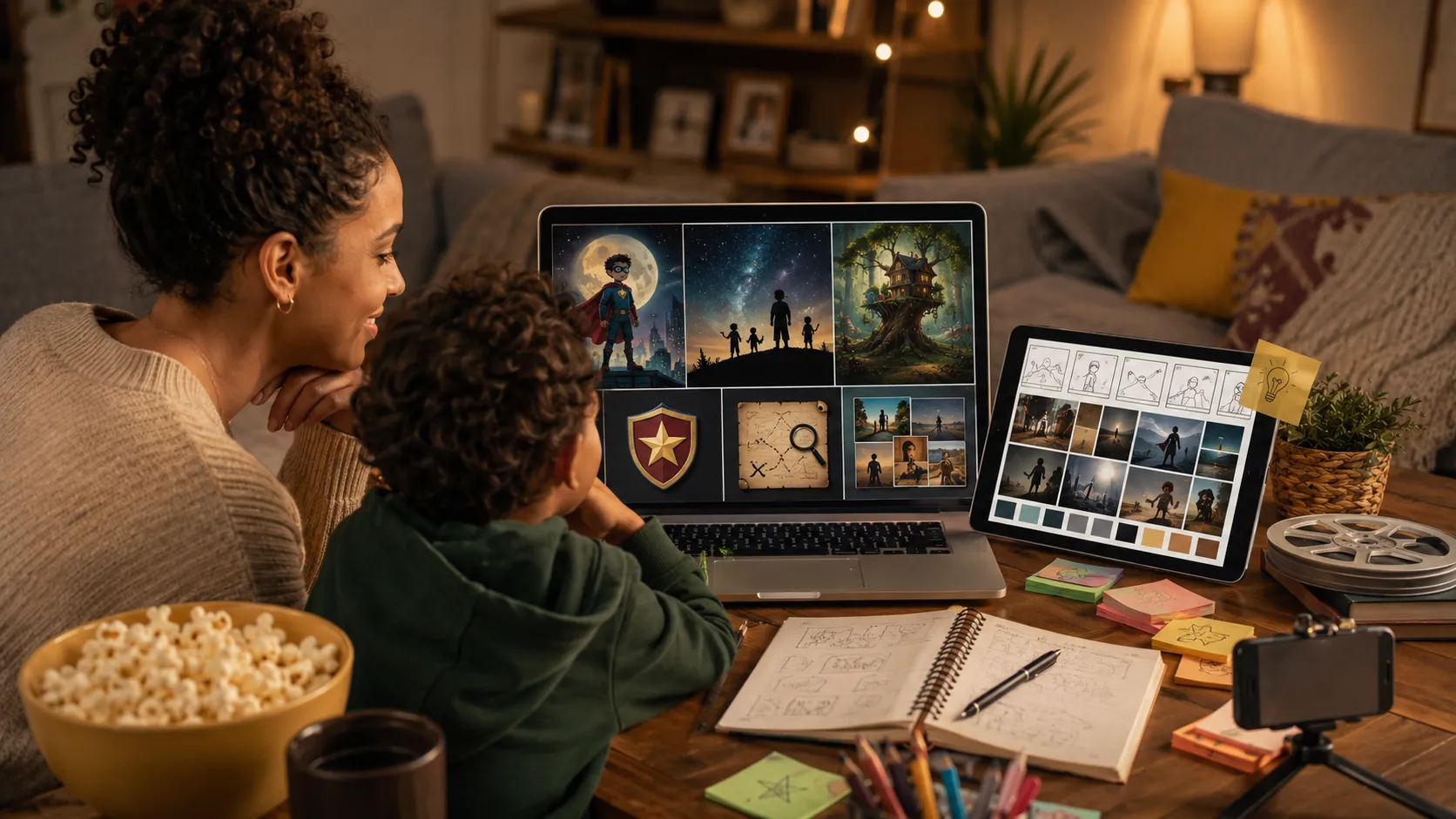
If your family wants to make the project feel more like a real movie night, Visiva.ai can help create playful visual extras. Its text-to-image and image-to-image tools can turn a family film idea into a poster, title card, imaginary location, superhero badge, mystery clue, or story moodboard. Keep privacy in mind: use AI-generated visuals for fun support materials, and be careful before uploading children's photos or private family images to any online tool.
For adjacent planning angles, pair this with 1 minute short film ideas or short film ideas for high school students.
Frequently asked questions
What are DIY family films?
DIY family films are homemade videos created by family members, often using a phone, simple story ideas, and easy editing apps.
What is the easiest family film idea?
A family news show is one of the easiest because everyone can play a role and the format is simple to repeat.
How long should a family film be?
Most DIY family films work best between 1 and 5 minutes. Shorter films are easier to finish and rewatch.
What app can families use to edit films?
Families can use beginner-friendly editing apps such as iMovie, CapCut, Clipchamp, or built-in phone editing tools.
Sources
- Common Sense Media family media resources: www.commonsensemedia.org
- No Film School beginner filmmaking resources: nofilmschool.com
- Recent family filmmaking and parenting discussions from Reddit communities focused on parenting, filmmaking, and home video projects.