30 Second Explainer Video Script and Timing Guide That Fits
A 30 second explainer video has one job: make one idea easy to understand before the viewer runs out of patience.
That sounds simple, but most 30 second explainers fail for the same reason: they try to act like a full brand story, product demo, sales page, and tutorial at the same time. Thirty seconds is not enough for everything. It is enough for one problem, one solution, one benefit, and one next step.
Use this guide if you need a short explainer for a product, service, school project, nonprofit campaign, landing page, social ad, training message, or classroom assignment.
Table Of Contents
- Quick Answer: What Should a 30 Second Explainer Video Include?
- 30 Second Explainer Video Timing Breakdown
- How Many Words Fit in 30 Seconds?
- Example 30 Second Explainer Script
- 30 Second Explainer Video Ideas
- Storyboard Template
- 30 Second Explainer Examples by Use Case
- Use Visiva to storyboard a 30-second explainer
- Common Mistakes
Quick Answer: What Should a 30 Second Explainer Video Include?
A good 30 second explainer video includes:
- 1. A hook
- 2. The problem
- 3. The solution
- 4. The benefit
- 5. A call to action
The safest structure is:
Hook -> Problem -> Solution -> Proof/benefit -> CTA
If you cannot fit the message into that structure, the idea is probably too large for 30 seconds.
30 Second Explainer Video Timing Breakdown
| Time | Script Job | Example |
|---|---|---|
| 0-3 seconds | Hook | "Still losing hours to manual invoices?" |
| 3-8 seconds | Problem | "Most small teams waste time chasing payments." |
| 8-18 seconds | Solution | "Our tool sends invoices, reminders, and payment links automatically." |
| 18-25 seconds | Benefit | "So you get paid faster without more admin work." |
| 25-30 seconds | CTA | "Start with the free invoice template today." |
This is not the only structure, but it is the easiest one to execute.
How Many Words Fit in 30 Seconds?
Most 30 second explainers should use about 65 to 85 spoken words. If the video includes captions, diagrams, or product footage, aim closer to 60 to 75 words so the viewer has time to absorb the visuals.
Read the script out loud. If you have to rush, cut.
Example 30 Second Explainer Script
Topic: Study app for students
"Studying longer does not always mean studying better. Most students waste time rereading notes without checking what they actually remember. StudyLoop turns your notes into quick practice questions, tracks what you miss, and reminds you when to review. Instead of guessing what to study next, you get a simple daily plan. Try it before your next test and see what you remember."
Why it works:
- It names a real problem.
- It explains one solution.
- It shows a concrete benefit.
- It ends with a clear next step.
30 Second Explainer Video Ideas
Product and Business Ideas
- 1. Explain your product in one everyday problem.
- 2. Show how your service saves time.
- 3. Compare the old way vs the new way.
- 4. Explain what happens after someone buys.
- 5. Answer one buying question.
- 6. Explain a pricing package.
- 7. Show a product feature in context.
- 8. Introduce a new offer.
- 9. Explain why customers choose you.
- 10. Show one before-and-after result.
School and Education Ideas
- 11. Explain a science process.
- 12. Summarize a historical event.
- 13. Explain a math concept visually.
- 14. Define a vocabulary word.
- 15. Introduce a book theme.
- 16. Explain a school safety rule.
- 17. Summarize a research project.
- 18. Explain a community issue.
- 19. Teach a study habit.
- 20. Explain how to use a classroom tool.
Nonprofit and Community Ideas
- 21. Explain the problem your campaign solves.
- 22. Show where donations go.
- 23. Introduce a volunteer opportunity.
- 24. Explain an event.
- 25. Show one person's story.
- 26. Explain a local issue.
- 27. Share a quick impact stat with context.
- 28. Invite people to take one action.
- 29. Explain how to get help.
- 30. Introduce a community partner.
Storyboard Template
Use this five-shot plan:
- 1. Problem shot: Show the pain or confusion.
- 2. Context shot: Show who is affected.
- 3. Solution shot: Show the product, process, idea, or answer.
- 4. Benefit shot: Show the result.
- 5. CTA shot: Show what to do next.
You do not need complicated visuals. You need visuals that make the explanation easier.
30 Second Explainer Examples by Use Case
Small Business Example
"Not sure which carpet cleaning package you need? If you have one room, choose our spot clean. If you have a full apartment, choose deep clean. If you have pets, add odor treatment. Send us a photo of the room and we will recommend the right option before you book."
School Example
"The water cycle is how water moves around Earth. Heat turns water into vapor, vapor cools into clouds, and clouds release rain or snow. That water returns to rivers, lakes, and oceans, and the cycle starts again. Draw the four steps: evaporation, condensation, precipitation, and collection."
Nonprofit Example
"Some families in our city do not have enough warm meals after school. Our weekend meal program packs simple food kits every Friday. Each $10 donation helps provide meals for one student over the weekend. Volunteer this month or donate through the link."
Each example stays focused on one viewer, one problem, and one next step.
Use Visiva to storyboard a 30-second explainer
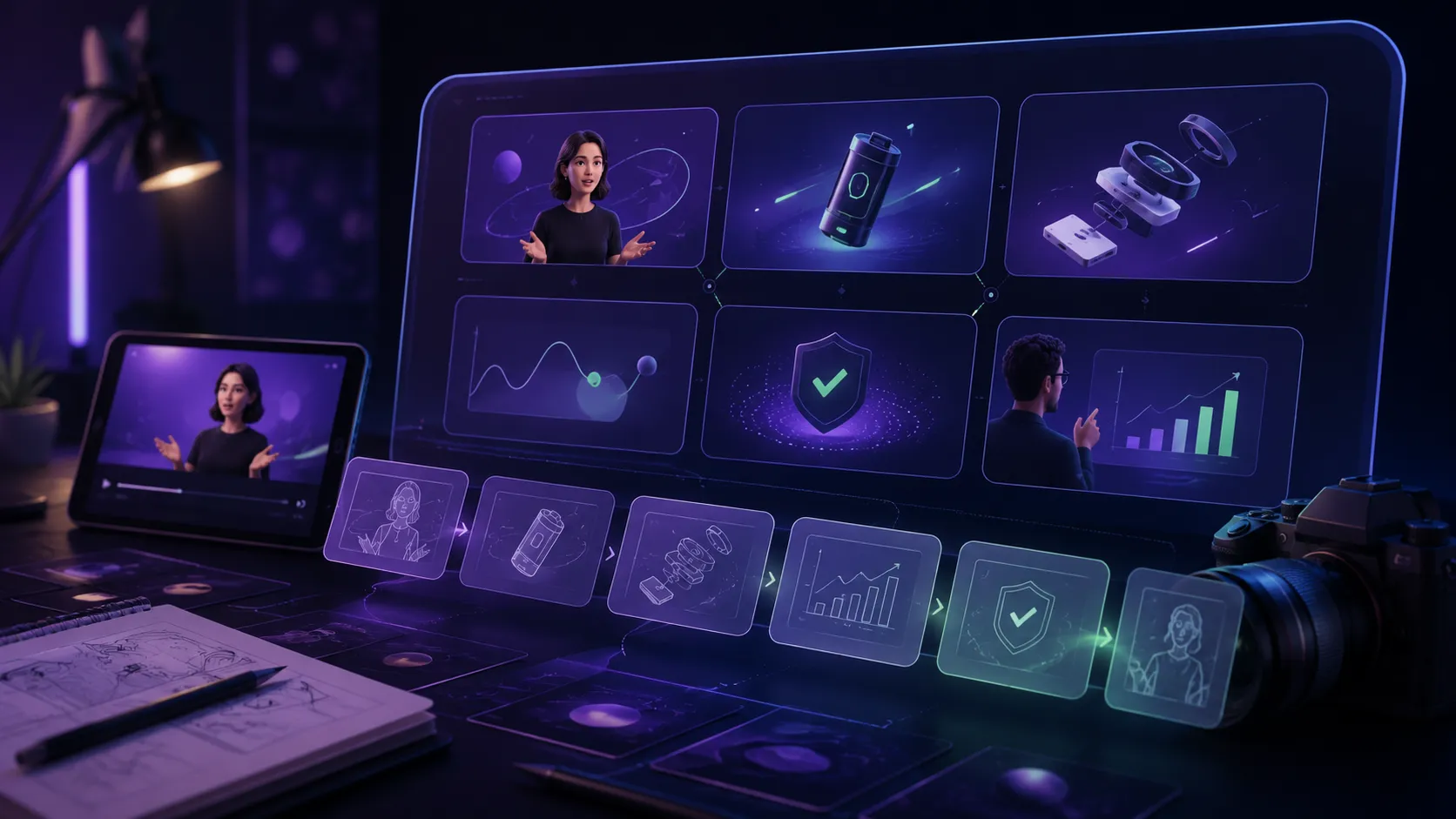
For a 30 second explainer, Visiva.ai can help you create quick visual drafts before production. Its text-to-image and image-to-image features can turn a script line into storyboard frames, simple concept art, poster images, or social thumbnails. That is useful when you need to test the visual direction of an explainer before hiring a designer, filming a product, or building motion graphics.
For adjacent planning angles, pair this with video marketing ideas for small business or video production for schools.
Common Mistakes
- Starting with a logo instead of the viewer's problem.
- Explaining company history.
- Adding too many features.
- Using abstract words like "streamline" without showing what changes.
- Forgetting the call to action.
- Speaking too fast.
- Using visuals that do not match the script.
Frequently asked questions
How many words is a 30 second explainer video?
Most 30 second scripts are about 65 to 85 spoken words. Use fewer words when the video relies on diagrams, captions, or product footage.
What should a 30 second explainer video include?
Include a hook, problem, solution, benefit, and call to action. Remove any background detail that does not help the viewer understand the main idea.
Can a 30 second explainer video work for complex topics?
Yes, but only if you explain one part of the topic. For complex subjects, create a series of short explainers instead of one overloaded video.
What is the best CTA for a 30 second explainer?
Use one specific next step, such as "download the checklist," "book a demo," "watch the full tutorial," "ask your teacher," or "try the template."
Sources
- Wistia video resources: wistia.com
- YouTube Creators: www.youtube.com
- TikTok creator tips: newsroom.tiktok.com