Video Production for Schools: Ideas and Planning Guide
Video production for schools is no longer just recording assemblies or making end-of-year slideshows. Schools now use video for learning, communication, recruitment, student voice, classroom projects, sports, arts, safety, and community trust.
The best school videos do not need expensive gear. They need a clear audience, clean audio, student privacy awareness, captions when possible, and a plan for where the video will live. A one-minute parent update, a student documentary, and an admissions video should not be made the same way.
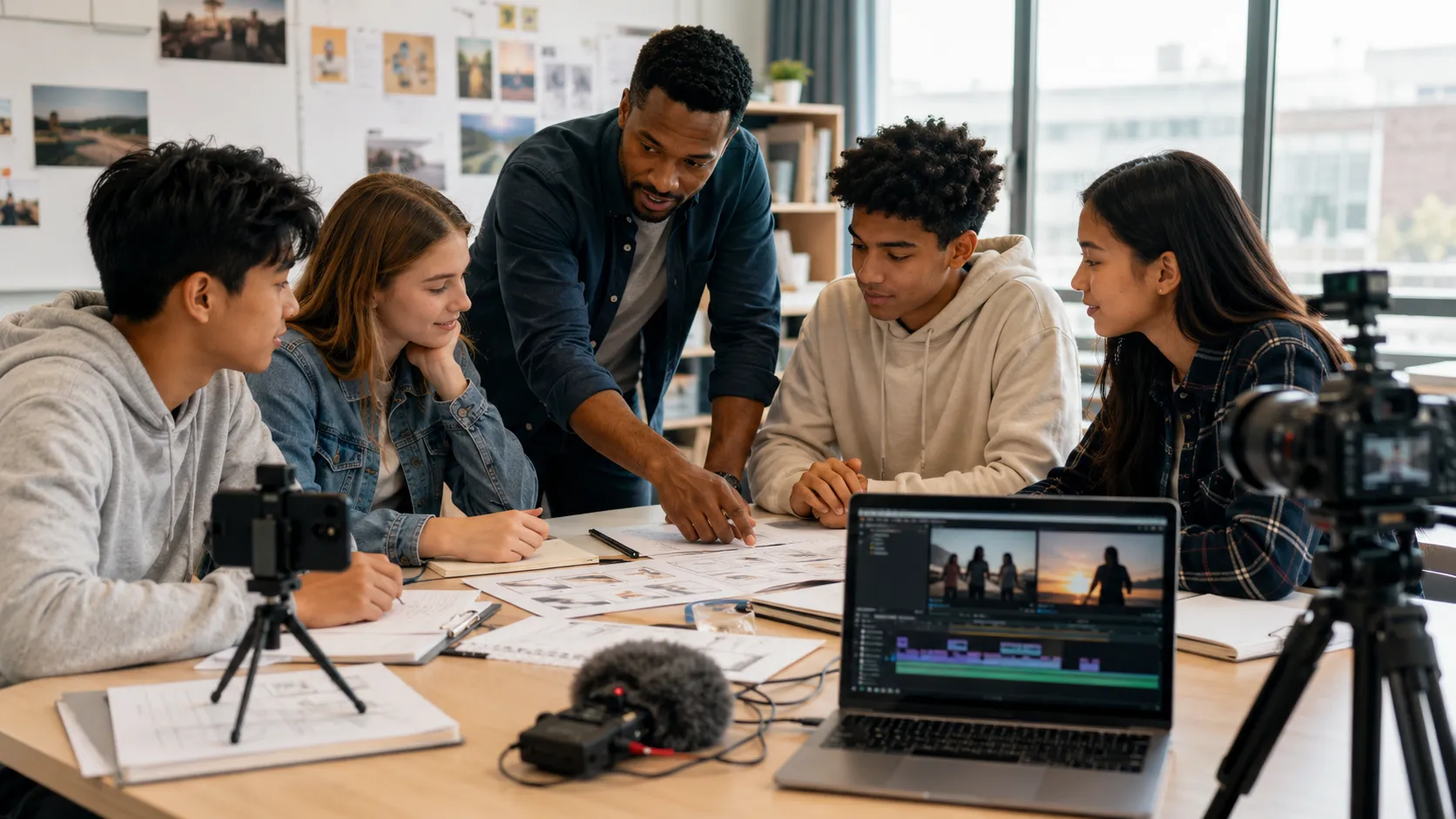
Table Of Contents
Quick Answer: What Can Schools Use Video Production For?
Schools can use video production for:
- 1. Morning announcements
- 2. Student project videos
- 3. Event recaps
- 4. Admissions videos
- 5. Teacher introductions
- 6. Safety explainers
- 7. Classroom lessons
- 8. Sports and arts highlights
- 9. Parent communication
- 10. Digital portfolios
The right format depends on the audience and goal.
School Video Production Use Cases
| Goal | Best Video Type |
|---|---|
| Inform families | Parent update, FAQ, calendar explainer |
| Teach students | Lesson video, student explainer, demo |
| Recruit families | Admissions video, campus tour, testimonials |
| Build community | Event recap, alumni story, club feature |
| Improve safety | Procedure explainer, arrival/dismissal video |
| Develop media skills | Student news, documentary, book trailer |
This table should guide every production decision.
Best Video Production Ideas for Schools
1. School Welcome Video
Introduce the campus, staff, students, values, and daily experience for new families.
2. Student News Show
Students can produce weekly announcements, interviews, club updates, sports news, and weather.
3. Classroom Explainer Videos
Students explain a science concept, historical event, math process, or book theme.
4. Event Recap Videos
Capture concerts, sports days, graduations, fairs, competitions, and fundraisers.
5. Teacher Introduction Videos
Help families and students get to know teachers before the school year starts.
6. Club and Activity Features
Show what each club does and how students can join.
7. Student Testimonial Videos
Let students explain what they enjoy, what they learned, or how a program helped them.
8. Safety Procedure Videos
Explain arrival, dismissal, lab safety, bus rules, or emergency procedures clearly.
9. Admissions Videos
Show prospective families what makes the school different.
10. Alumni Stories
Feature graduates and their paths after school.
11. Sports Highlights
Create short highlight reels for teams and athletes.
12. Arts Showcase Videos
Record theater, music, visual art, dance, and creative projects.
13. Parent FAQ Videos
Answer common questions about schedules, lunch, transportation, uniforms, technology, or policies.
14. Career Day Interviews
Students interview professionals and edit short profile videos.
15. Book Trailer Projects
Students create trailers for books they read.
16. Science Demo Videos
Students explain experiments step by step.
17. Community Partner Videos
Feature local organizations, volunteers, or school partnerships.
18. Fundraising Campaign Videos
Explain the need, show the impact, and give a clear call to action.
19. Digital Portfolios
Students collect video evidence of projects, performances, presentations, and reflections.
20. End-of-Year Story
Tell the story of the year through student voices, not just music and photos.
School Video Planning Checklist
Before filming, define:
- Audience: students, parents, staff, donors, or community.
- Goal: inform, teach, recruit, celebrate, or persuade.
- Message: one main idea.
- Length: 30 seconds, 2 minutes, or longer.
- Permissions: student image releases and location approvals.
- Accessibility: captions and clear audio.
- Distribution: website, email, assembly, YouTube, Instagram, or LMS.
Recommended Starter Setup
Schools can start small:
- Smartphone or basic camera.
- Tripod.
- Clip-on microphone.
- Basic light or window light.
- Simple editing software.
- Shared folder for footage.
- Consent and release workflow.
- Captioning process.
Audio usually matters more than camera quality. A clear message with clean sound beats a beautiful video nobody can understand.
Student Production Roles
If students are involved, assign clear roles before filming:
| Role | Responsibility |
|---|---|
| Producer | Keeps the project on schedule |
| Director | Guides the story and shots |
| Camera operator | Frames and records footage |
| Audio lead | Checks microphone and sound |
| Interviewer | Prepares and asks questions |
| Editor | Builds the final video |
| Caption reviewer | Checks captions and accessibility |
Rotating roles helps more students build media skills instead of leaving the same confident students in charge every time.
Distribution Plan
Do not wait until the video is finished to decide where it goes.
- Website: use polished admissions, program, and parent FAQ videos.
- Email: use short parent updates and event recaps.
- Assemblies: use student news, safety reminders, and celebration videos.
- Social media: use short vertical clips with captions.
- Learning management system: use classroom explainers and lesson support.
- Internal training: use staff process and safety videos.
One long event recap can often become several shorter clips for different audiences.
Common Mistakes
- Making every video too long.
- Forgetting captions.
- Recording poor audio.
- Using students' images without proper permission.
- Filming without a script or shot list.
- Posting one video everywhere without adapting the format.
- Treating video as decoration instead of communication.
Use Visiva to support school video planning
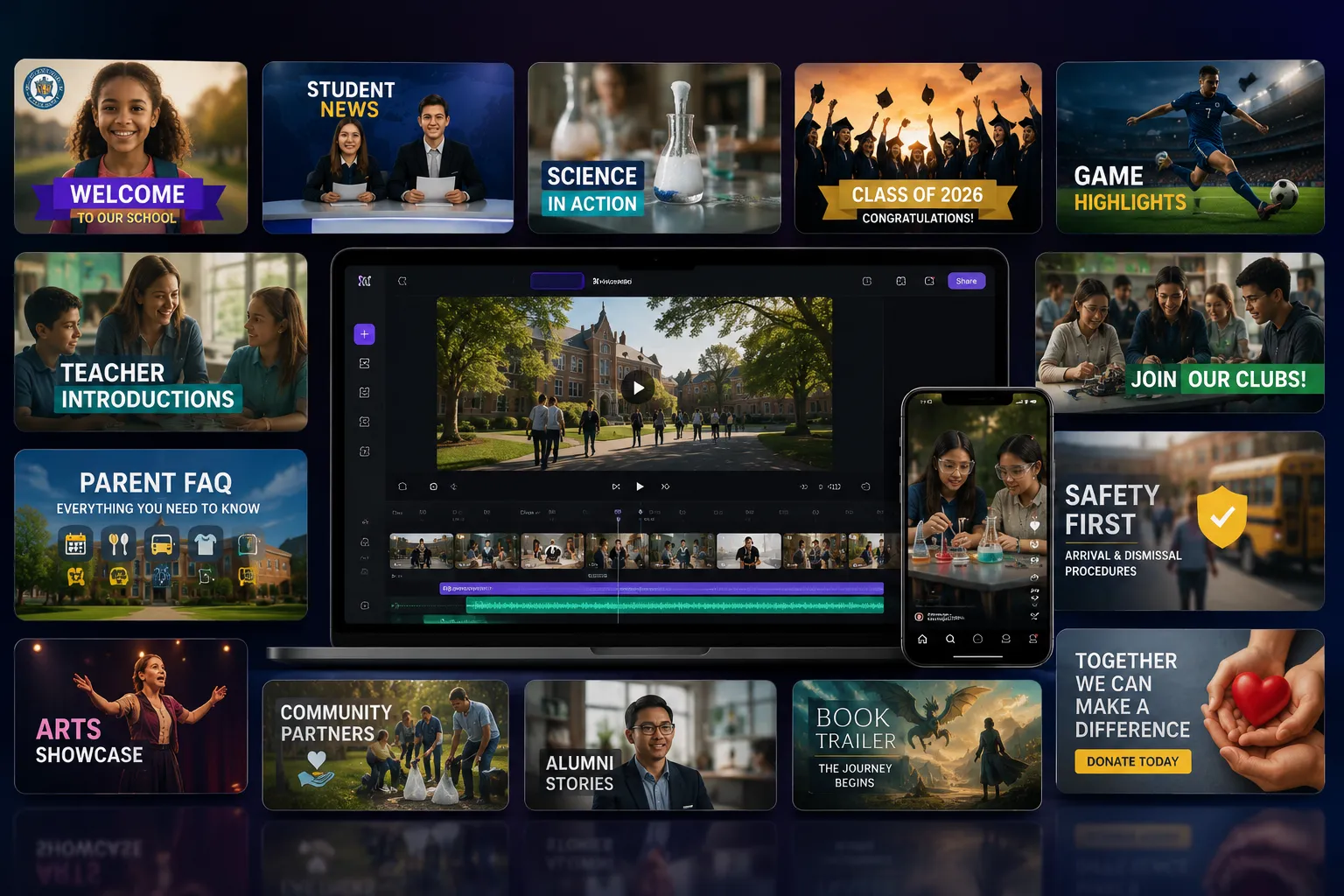
For planning school videos, Visiva.ai can help staff and students create quick visual references. Its text-to-image and image-to-image tools can generate storyboard concepts, event poster ideas, title-card styles, classroom visual aids, or campaign mockups before a real shoot. For any public-facing school content, use approved student images, follow consent policies, and treat AI-generated visuals as planning or design support rather than documentary evidence.
For adjacent planning angles, pair this with short film ideas for high school students or video marketing ideas for small business.
Frequently asked questions
Why is video production useful for schools?
Video helps schools communicate clearly, showcase student work, explain processes, document events, build community trust, and teach media literacy.
What equipment do schools need for video production?
Many school videos can be made with a phone, tripod, microphone, basic lights, and simple editing software. Audio usually matters more than camera quality.
Should students be involved in school video production?
Yes. Student involvement builds media literacy, communication skills, collaboration, planning, storytelling, and technical confidence.
What should schools consider before publishing videos?
Schools should consider consent, privacy, accessibility, captions, copyright, student safety, and whether the video reveals sensitive information.
Sources
- Common Sense Education: www.commonsense.org
- ISTE resources: iste.org
- YouTube Help: support.google.com
- Student media and classroom video production discussions from education and filmmaking communities.